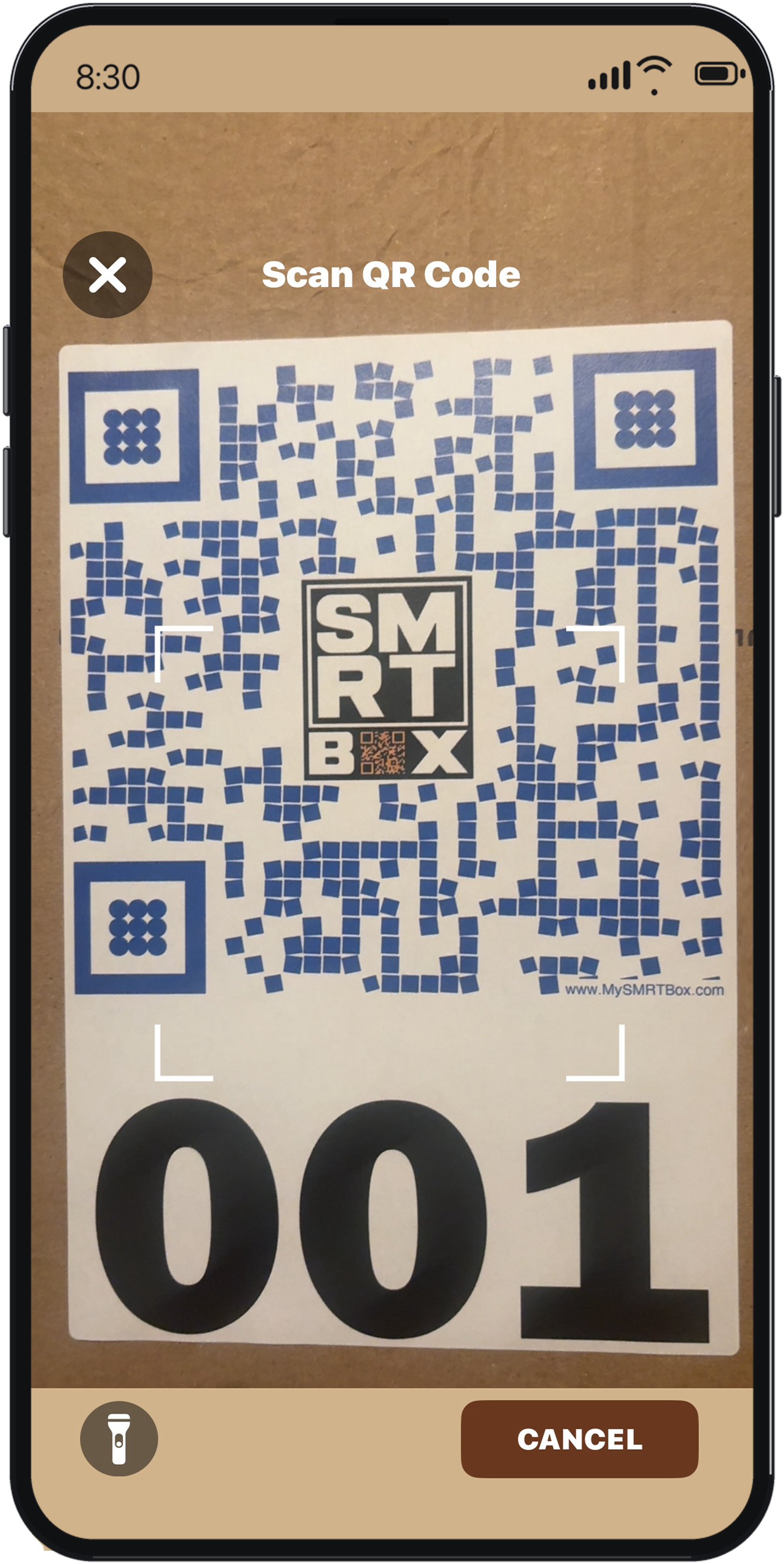
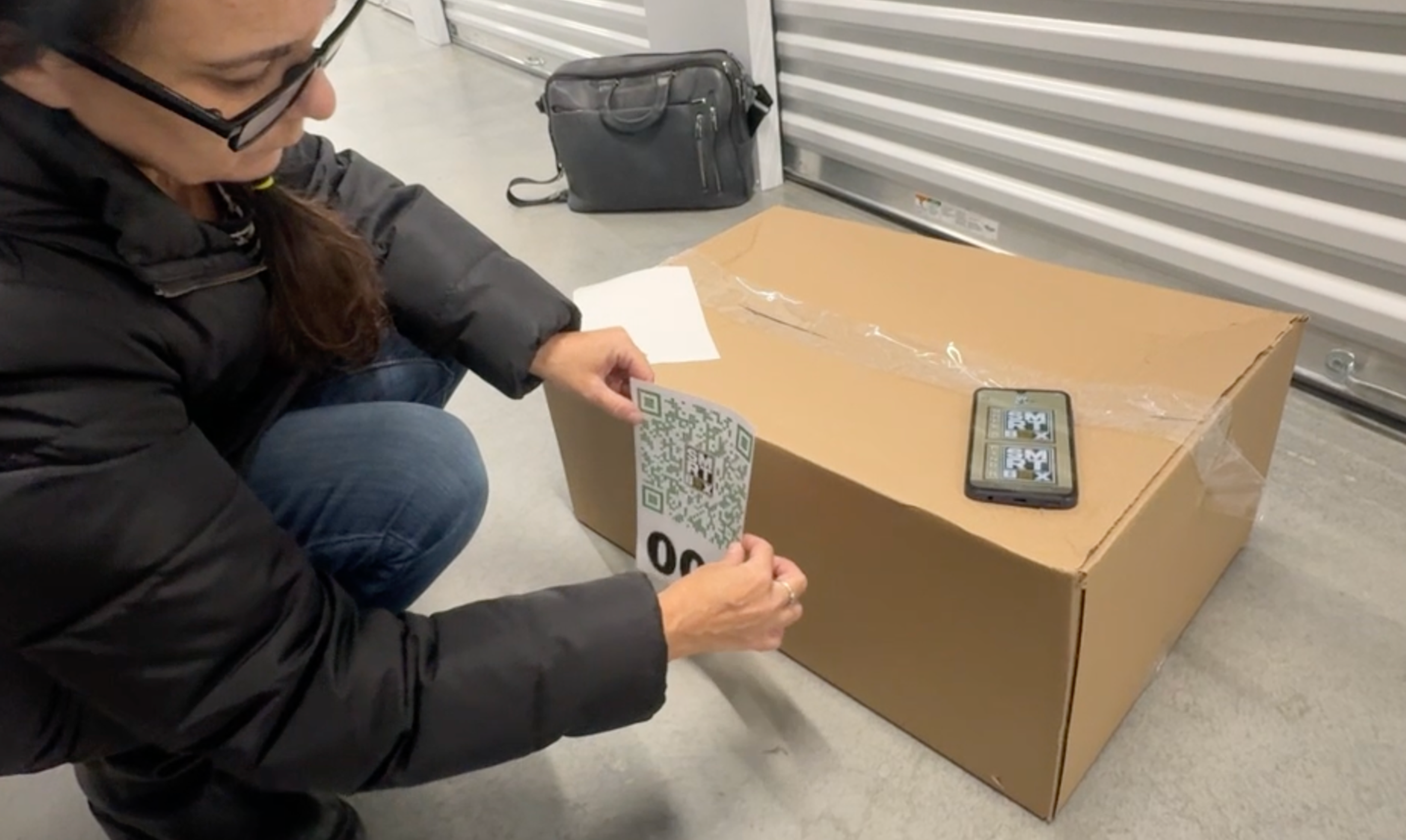
Label and Scan
Links boxes securely to your account.
 ™
™
AI-powered storage organization.
30-second demo
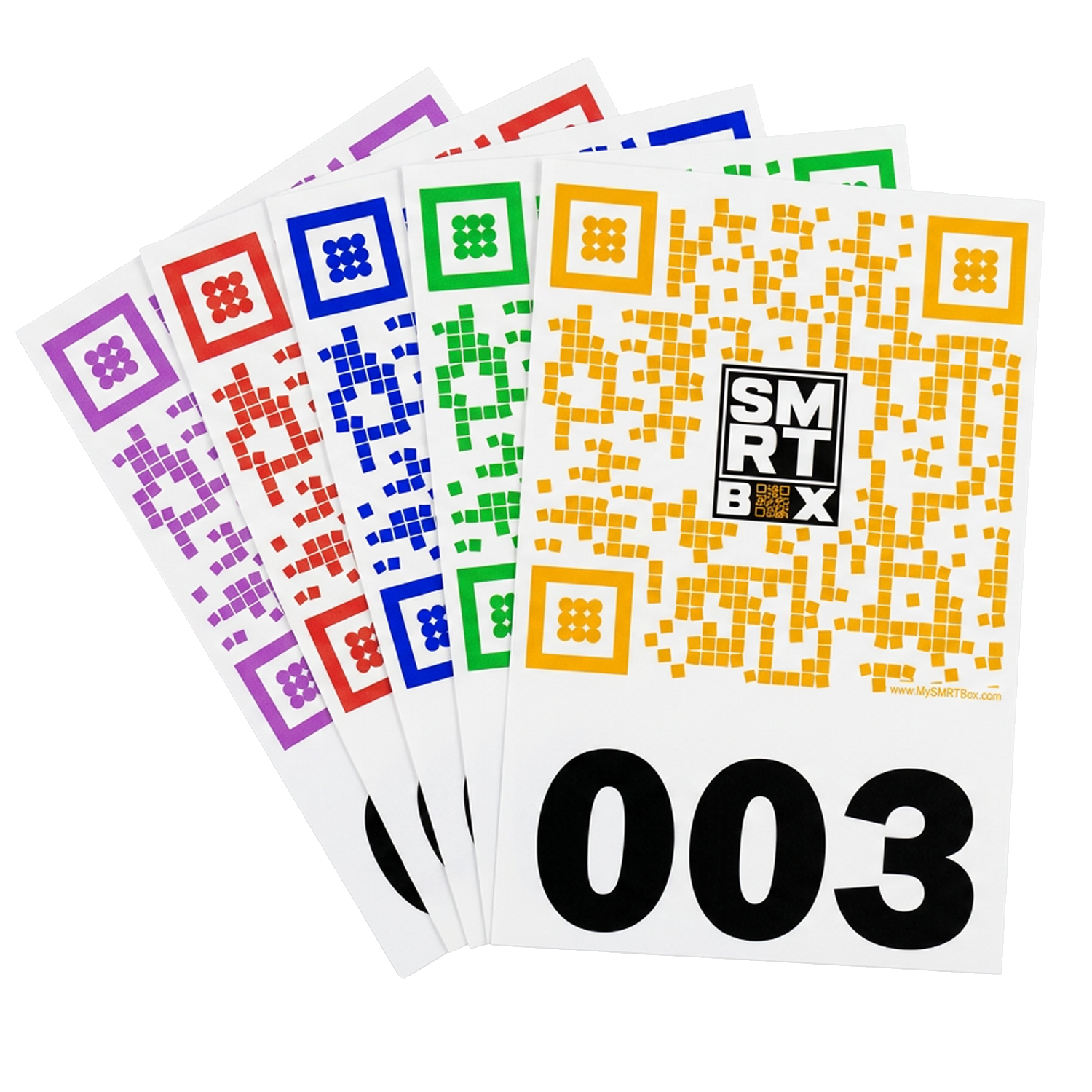
Color-coded QR labels
With AI auto-tagging and spatial mapping, SMRT Box makes it easy to know what you stored, which box it’s in, and exactly where that box is.
Links boxes securely to your account.
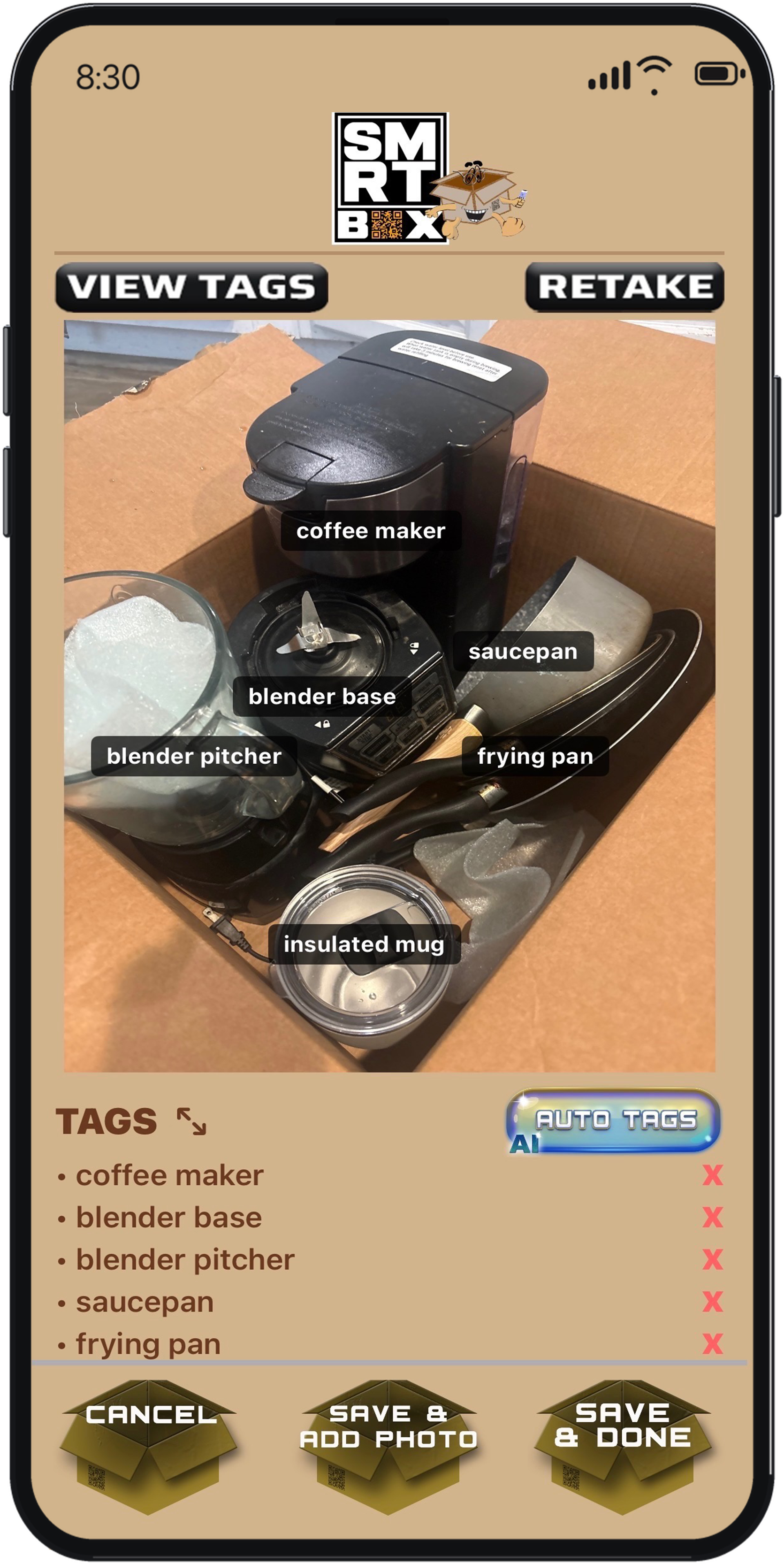
Take photos as you pack. Tag them, or have AI do it.
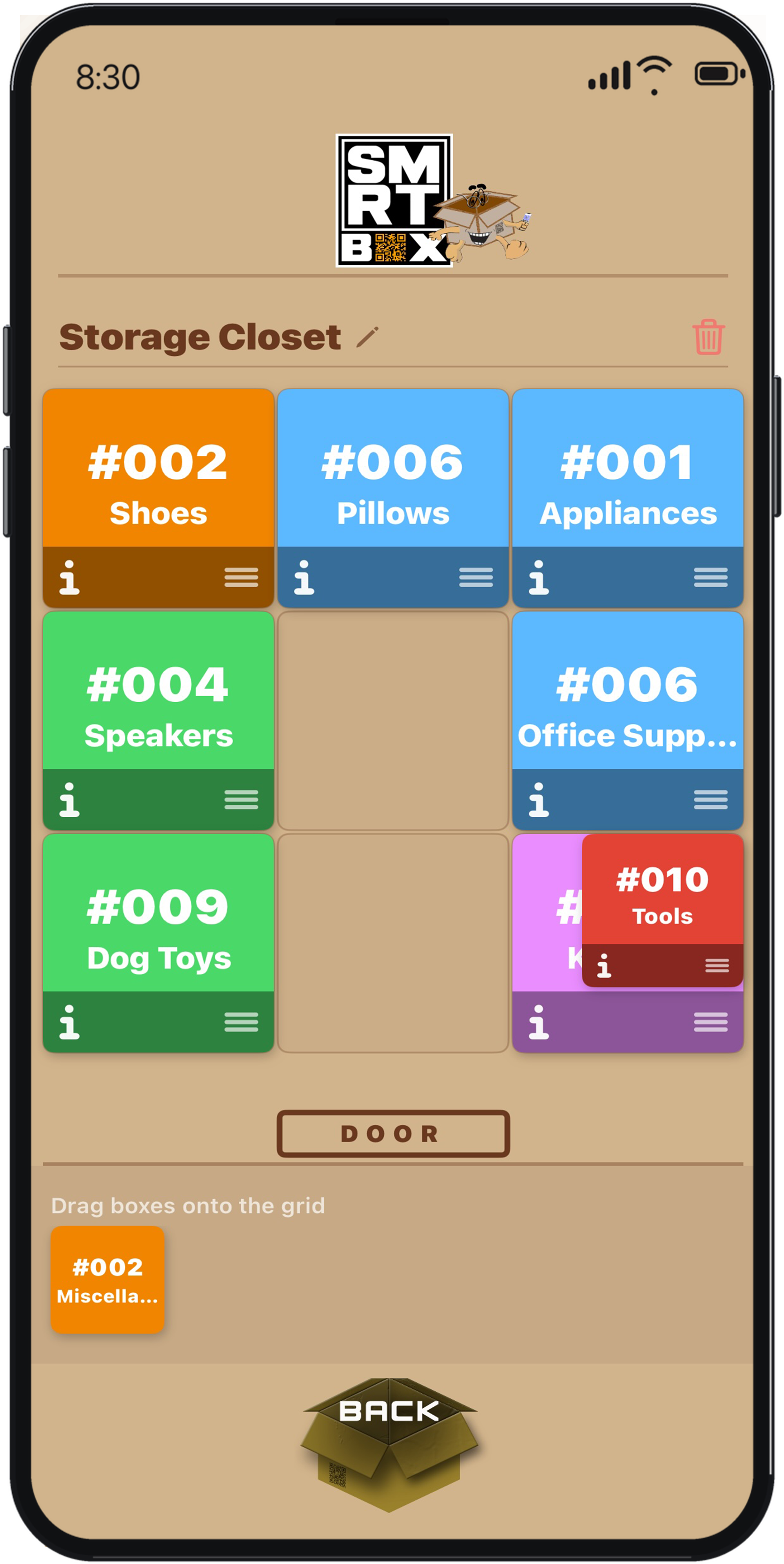
Place your digitized boxes in a layout of your room.
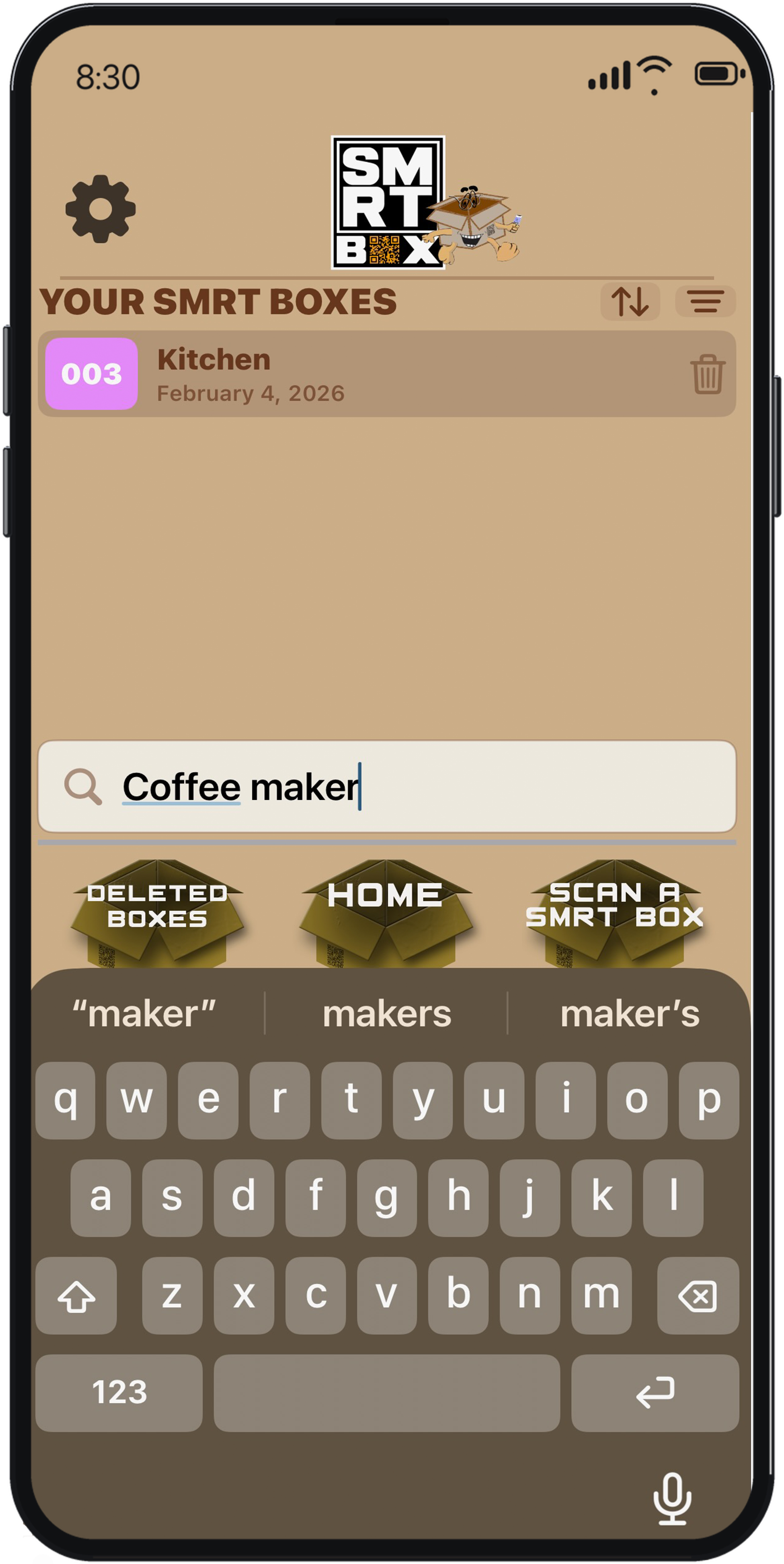
Search later to find any item and the box location.
| AI Scan & Recognition | Physical Box Mapping | Offline Access | Secure Ownership | Large Labels | No Subscription | |
|---|---|---|---|---|---|---|
| SMRT Box |
AI Auto-Tags
|
SMRT Spaces
|
Local Storage
|
Validated QR Ownership
|
8.5"×5.5" Easily Visible
|
App Is Free
|
| Inventory Apps |
Varied Accuracy
|
✕
|
Limited
|
Basic Auth
|
3"×3" or Self-Print
|
✕
|
| DIY Sharpie |
✕
|
✕
|
✓
|
✕
|
✕
|
✓
|
Label packs start at $9.99 for 10 labels. Larger packs are available with volume discounts. Visit our shop for all options. The app is completely free — no subscription.
Yes. The SMRT Box app is free to download and free to use — no subscription, no monthly fees, and no in-app purchases. You only pay for the physical QR Code labels.
On your phone. Your box photos and inventory are stored on your device, not on our servers. That's intentional — your storage photos stay private and under your control. If you turn on optional AI tagging, photos are sent securely for analysis and deleted after processing (see our Privacy Policy).
SMRT Box keeps photos on your device like any camera app. If space is tight, use fewer or smaller photos per box, or free up storage on your phone.
No artificial limit — you can add as many photos as your device storage allows.
Your inventory lives on your phone for privacy. When you move to a new device, you'll set up your boxes again on that phone. That's the tradeoff for keeping your photos off our servers.
QR Code labels that are color-coded and numbered, plus free access to the SMRT Box app on iOS and Android. You supply your own boxes.
Open the app and scan the QR Code on your label. The app recognizes the label and lets you add photos, tags, and categories.
Yes, for scanning QR codes (to verify your label) and for optional AI photo tagging. Browsing boxes you've already set up works offline once they're on your device.
When enabled, the app suggests tags for items in your photos. You can accept, edit, or ignore them. It's completely optional.
Yes. Your everyday box photos and data stay on your device — we don't host your storage photo library on our servers. We only process data when you use optional AI features. See our Privacy Policy for full details.
SMRT Box is a product of SMRT Solutions, LLC.
Need help? Email us at support@thesmrtbox.com.